

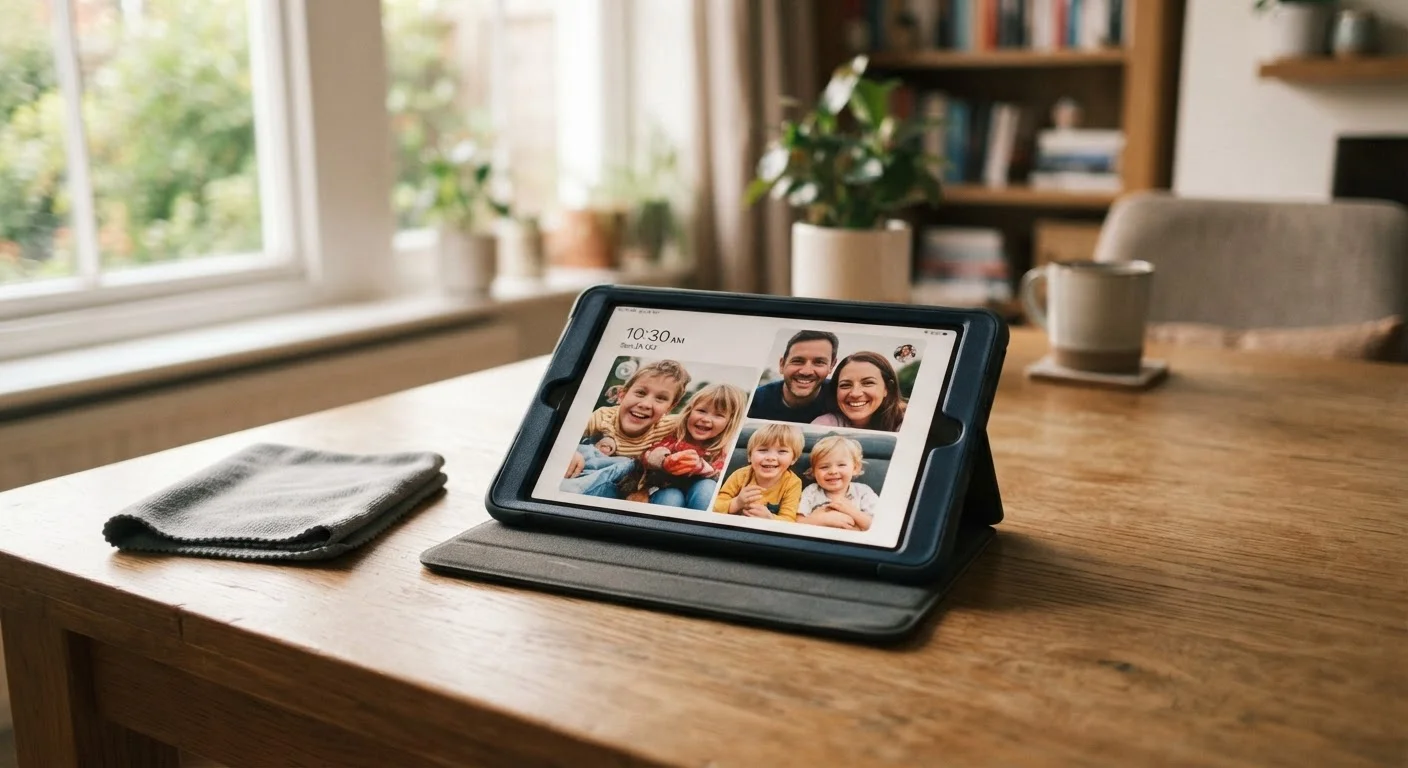
Why tablets wear out faster in family households
A tablet shared among kids, parents, and the occasional visiting grandparent faces more daily stress than almost any other household device. It gets propped on kitchen counters, dropped on hard floors, stuffed into backpacks, and left in hot cars. Even a mid-range tablet that would last five years with careful adult use can need replacement in two years under those conditions.
Replacement costs add up. Before buying a new device, it is worth working through a family electronics buying checklist to make sure the decision is grounded in actual need. But in many cases, better maintenance habits make a new purchase unnecessary altogether.
The damage patterns that shorten tablet life fall into a few clear categories: physical damage, battery degradation, storage problems, and software neglect. Each one is addressable with low-effort habits.
Physical protection habits that prevent expensive damage
A dropped tablet without a case is the single most common cause of premature replacement. Screen repairs on tablets frequently cost more than the device is worth on the used market, which makes prevention the only financially sensible strategy.
Fit a protective case before the tablet is used the first time
Most screen cracks happen in the first few weeks of ownership, often before a case has been purchased. A case bought at the same time as the device removes that gap entirely. A case with raised edges around the screen face provides protection even when the tablet lands face-down.
Apply a tempered glass screen protector to every shared tablet
Tempered glass protectors absorb scratches and minor impacts that would otherwise reach the display. They are inexpensive and can be replaced when scratched, which is far cheaper than a screen repair.
Store the tablet in a consistent, safe location when not in use
Tablets left on couches get sat on, and tablets left on table edges get knocked off. A designated storage spot, such as a drawer or a wall-mounted holder in a common area, reduces the chance of accidental damage between uses.
Avoid charging in direct sunlight or inside a hot vehicle
Heat is the primary accelerant of battery cell degradation. Charging generates heat by itself, and combining that with an already warm environment can shorten battery capacity measurably over months.
Heat is a less obvious but serious physical threat. Leaving a tablet in a car on a warm day can push internal temperatures high enough to damage the battery permanently. The same applies to leaving the device in direct sunlight on a windowsill while charging.
Battery habits that add years of life
Lithium-ion batteries (the rechargeable cells in virtually every modern tablet) degrade with each charge cycle. Charging patterns directly affect how fast that degradation happens. The electronics myths that cost families money article covers common misconceptions in more detail, but the core principle is straightforward: extreme charge levels stress the battery.
Charging overnight every night is not catastrophic with most modern tablets, since many have circuitry that slows charging near full capacity. However, consistently storing a tablet at very low charge, below 20 percent, does accelerate wear. Keeping the battery between roughly 20 and 80 percent when possible extends overall battery lifespan.
Storage and software maintenance
A tablet that is nearly full of photos, apps, and cached data slows down noticeably. That slowdown often gets mistaken for the device becoming obsolete, but storage management alone can restore usable speed without any hardware change.
Families accumulate duplicate photos, apps downloaded once and never opened, and large video files that could live on a home computer or cloud storage instead. Reviewing storage every few months and moving or deleting files keeps the device running closer to its original speed.
Software updates matter for reasons beyond new features. Manufacturers release updates that fix bugs causing battery drain and crashes. A tablet running outdated software is also more vulnerable to security issues, which matters when family members use it for school accounts or online purchases. Turning on automatic updates removes the friction of remembering to check manually.
The same discipline that applies to tablets translates to other household devices. The habit of routine upkeep, whether for a car (see maintenance habits that extend a vehicle's life) or a shared family tablet, consistently reduces what families spend on replacements over time.
The content provided on our blog site traverses numerous categories, offering readers valuable and practical information. Readers can use the editorial team’s research and data to gain more insights into their topics of interest. However, they are requested not to treat the articles as conclusive. The website team cannot be held responsible for differences in data or inaccuracies found across other platforms. Please also note that the site might also miss out on various schemes and offers available that the readers may find more beneficial than the ones we cover.